Safety App Overview
Your fully structured website is now generated and ready to use.
- ✓ Play Store–ready app structure
- ✓ Backend (Firebase)
- ✓ Live website dashboard
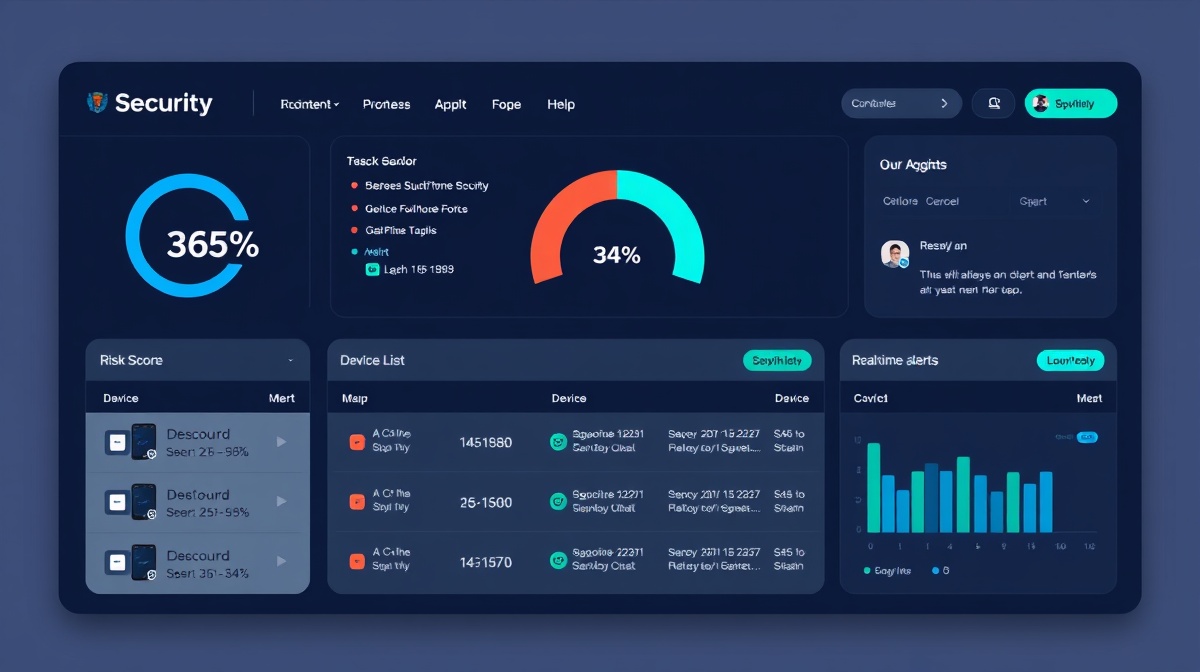
Your fully structured website is now generated and ready to use.
Scanner + Risk Detection
✓ Your website: Displays data | ✗ Cannot scan phone | The Android app performs scanning
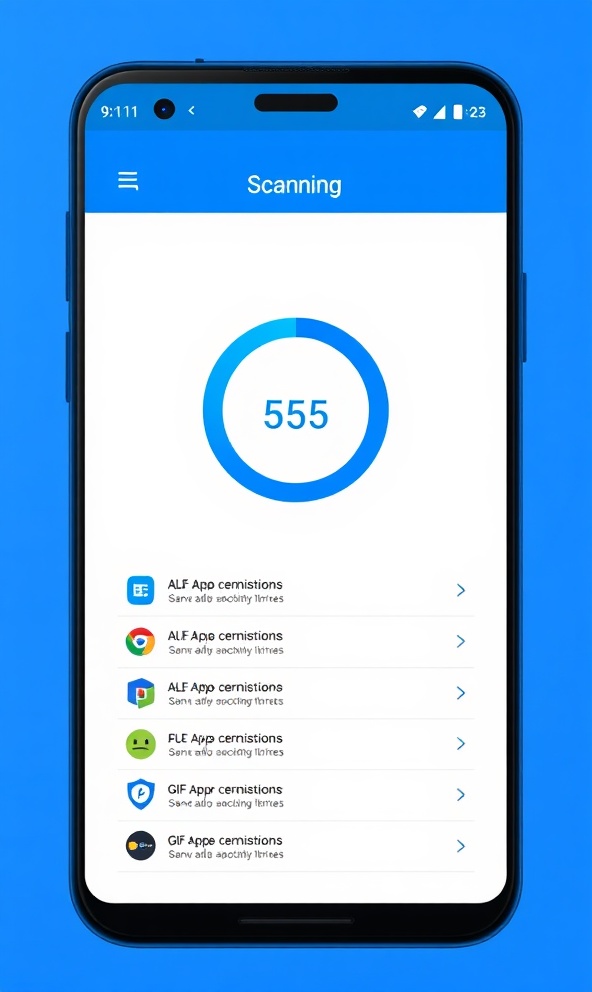
The Android app performs comprehensive device scanning, detecting malware, suspicious apps, and permission anomalies in real-time.
Intelligent algorithms classify threats and vulnerabilities, prioritizing critical risks and providing actionable insights for device protection.
Proactive monitoring and recommendations help you maintain device security, with guidance on best practices and threat mitigation.
App → Firebase → Dashboard
The Android app performs scanning, detecting malware, suspicious apps, and vulnerabilities on your device.
Scan data is securely stored in Firebase (Backend) with real-time synchronization and cloud processing.
Your website displays data via a live dashboard, providing real-time monitoring and insights from your device.
Live concept dashboard for real-time monitoring
This dashboard turns your site into a real monitoring solution. To make it live, you need to:
Firebase Configuration Example:
const firebaseConfig = {
  apiKey: "YOUR_API_KEY",
  authDomain: "your-project.firebaseapp.com",
  projectId: "your-project",
  storageBucket: "your-project.appspot.com",
  messagingSenderId: "123456789",
  appId: "1:123456789:web:abc123def456"
};
Replace config in your dashboard script
Enable automatic updates for all installed apps. This ensures you receive the latest security patches and bug fixes.
Regularly review app permissions. Revoke unnecessary access to location, camera, and contacts to reduce attack surface.
Download apps only from official Play Store. Avoid side-loading APKs from untrusted sources to prevent malware installation.
Use Safety App to perform regular scans. This helps identify threats early and keeps your device security up-to-date.
To make it a LIVE system
Set up a Firebase project and add your credentials to the dashboard configuration.
firebaseConfig = { /* YOUR CONFIG HERE */ } Implement the data binding layer that connects your Firebase backend to the dashboard UI.
Click Publish inside B12. Your site goes live instantly with automatic HTTPS and global CDN distribution.
Expand your capabilities with premium features
Advanced Dashboard
Custom widgets and layout personalization
Real-time Charts
Risk score trends and historical analysis
Device History Tracking
Track vulnerabilities over time
Multi-Device Support
Monitor multiple devices from one dashboard
Admin Panel
User management and team collaboration
Premium Version
Free tier + paid advanced features
Subscription Access
Monthly or annual subscription plans
API Access
White-label and enterprise integrations
Next Level Automation
Want a fully automated system with auto-scan + auto-update dashboard?
Required for Play Store
Safety App ("App") is committed to protecting your privacy. This Privacy Policy explains how we collect, use, disclose, and safeguard your information when you use our mobile application.
We collect information you provide directly to the App, such as when you create an account, use scanning features, or contact us for support. We also automatically collect certain information about your device, including device identifiers, app usage statistics, and security scan results.
We use the information collected to provide, maintain, and improve our services, detect and prevent fraud, enhance security, and communicate with you. Device scan data is used solely for security analysis and threat detection.
We implement advanced security measures to protect your data. All data is encrypted in transit and at rest. Access to your information is restricted to authorized personnel only.
You have the right to access, correct, or delete your personal data. You can manage your privacy preferences in the app settings at any time. To exercise these rights, please contact us at support@safetyapp.com.
If you have questions about this Privacy Policy or our privacy practices, please contact us at privacy@safetyapp.com. We will respond to your inquiry within 30 days.
Last Updated: April 2026
This is a template. Customize this policy according to your specific data practices and local regulations.